
Free Games for Seniors
For adultsA jigsaw puzzle you can do right here, and below it every game on the site made for older eyes and hands: memory, words, quick puzzles and gentler activities. All free, all in large print, nothing to download, no account and no timer.
The picture

Well done!
All the games, one tap away
Each button opens that game ready to play. Every one has three levels, big buttons and a mute button, and none of them has a clock.
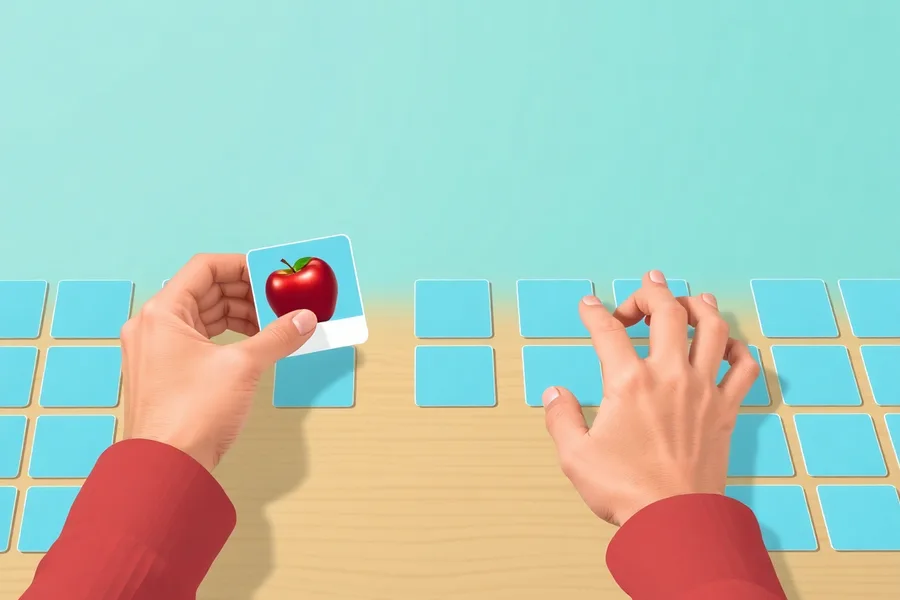
Memory games
Cards that turn over, a set of pictures where one disappears, and a shopping list to remember.
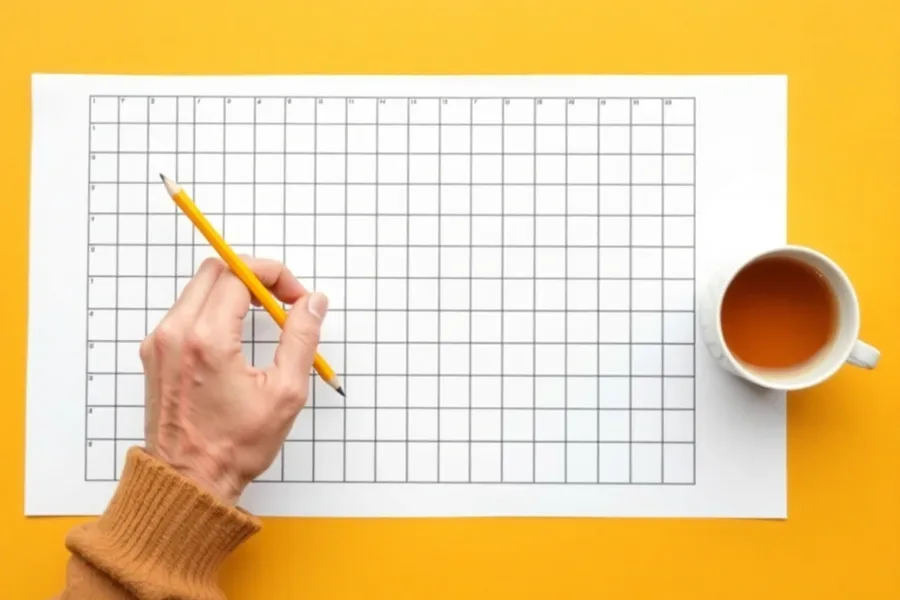
Word games
A large print word search you tap instead of drag, missing letters with a clue, and old sayings to finish.
Brain games
Quick puzzles with three levels each: a sequence of lights, scrambled words, the odd one out and mental sums.

Gentle games for dementia
Activities that cannot be failed, for later stages or for anyone who wants something calm.
About the jigsaw
Choose one of six paintings: a cottage garden, a fishing harbour, an autumn lane, sunflowers, a lighthouse or a village in the snow. Level 1 cuts it into 9 pieces, level 2 into 16 and level 3 into 25. Tap one piece and then the place it belongs, and the two swap over. If you would rather drag, that works too. When a piece lands in the right spot it locks in with a green outline, so you cannot undo good work by accident, and the counter shows how many are in place.
The finished picture is shown beside the puzzle on a computer, and behind the Show the picture button on a phone or tablet. Looking at it is not cheating. That is how jigsaws are done on the kitchen table too.
Which game suits whom
| If they enjoy | Try | Why |
|---|---|---|
| Jigsaws on the table | The jigsaw above, level 1 first | Same pleasure, no pieces under the sofa, and 9 pieces is a good warm-up. |
| The crossword or Scrabble | Word games and anagrams | Vocabulary is usually a strength, so these feel good quickly. |
| Card games like pelmanism | Pairs | It is the same game, with the counter of turns as something to beat. |
| Sudoku and number puzzles | Arithmetic and sequence | Level 3 of arithmetic includes times tables and division. |
| Chatting about the old days | Finish the saying and remember when | Both are better played with someone, and both tend to start stories. |
| Something calm, no thinking | Sensory games and breathe | Ripples and colour that respond to a touch, with nothing to get right. |
Setting up a tablet for a parent or grandparent
A few minutes of setup saves a lot of phone calls later.
- Put the games on the home screen. Open this page, then use Share and Add to Home Screen on an iPad, or the menu and Add to home screen on Android. It then opens like an app, with one tap, and there is nothing to update.
- Make everything bigger first. Raise the text size in the tablet's display settings, and use the even bigger text option in the game settings. Turn the brightness up; older eyes need more light.
- Turn notifications off for anything that does not matter, so a game is not interrupted by a pop-up asking for an update.
- Lock it to one app if that helps. Guided Access on an iPad, or screen pinning on Android, keeps the game on screen until you unlock it. Useful if stray taps tend to end up somewhere confusing.
- Get a stand. A tablet propped up at an angle is easier to see and to tap than one lying flat, and easier on the neck.
The games here have nothing to buy and no account to forget the password for, which removes two of the things that most often go wrong with games on a parent's tablet.
A note on brain training claims. Some apps promise to sharpen memory or hold off dementia. No game has been shown to do that, and one of the best known brands paid a settlement to the US Federal Trade Commission in 2016 over claims like these. Play because it is enjoyable. The things with real evidence behind them for keeping the brain healthy are exercise, hearing checks, blood pressure and company.
Common questions
Where can seniors play free online games without downloading anything?
Every game on this page and the pages it links to runs in the web browser, with nothing to install and no account. Open the page on a tablet, phone or computer and press play. The jigsaw at the top is playable straight away, and the memory, word and brain games are one tap away.
What are the best games for seniors on a tablet?
The ones that need a tap rather than quick reactions or precise dragging: jigsaws where you tap two pieces to swap them, pairs, word searches where you tap the first and last letter, and quizzes with big answer buttons. Avoid games with timers, adverts that pop up mid-game, or in-app purchases.
Are these games free?
Yes. There is nothing to pay for, no account, no trial and nothing to unlock.
Can I make the text bigger?
Yes. Every game has a settings button with an Even bigger text option, and a full screen button that fills the screen with the game. The browser zoom also works.
Are these games suitable for someone with dementia?
Some are. The jigsaw on level 1 and the pairs game work for many people in the early stages. For later stages, the page of games for dementia patients has gentler activities that cannot be failed. None of these games is a treatment.