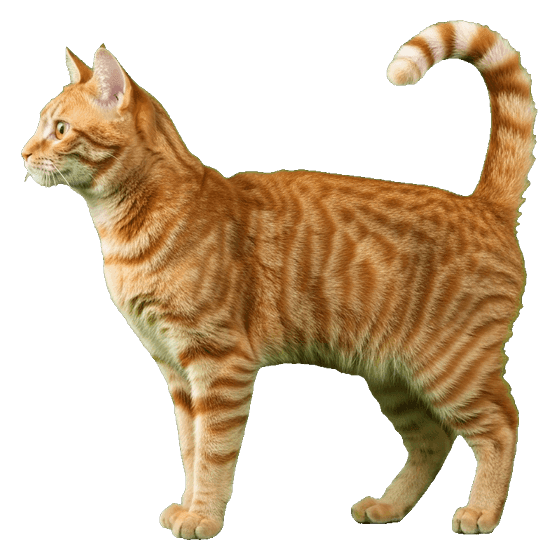
Shadow Matching Game
Visual discriminationTap the animal that each black shadow belongs to. Twenty animals, spoken names, no timer.

Whose shadow is this?
Choose the animal







What this game practises
Visual discrimination. That is the ability to notice how two shapes differ from one another. Stripping an animal down to a black outline removes colour, pattern and texture, so the only information left is the shape itself. A child who can pick the giraffe out of three silhouettes is doing the same mental work they will later use to tell a b from a d, or a square from a rectangle.
Along the way it also builds animal vocabulary, because every correct answer is named out loud, and visual attention, because the child has to hold the shape in mind while scanning the choices.
How to use it with your child
- Start with two choices. Tap the 3 choices button at the top to drop to two. Success first; make it harder later.
- Leave the words off at first. A child who is not reading yet will guess from the word instead of looking at the shape, which defeats the point. Turn on Show the words in the ⚙️ settings once matching is easy.
- Say the name with them. Maggie names the animal when they get it right. You repeating it is what turns a matching game into vocabulary practice.
- Point at the outline, not the answer. "Look, this one has a very long neck." Describing the shape teaches the strategy; pointing at the right card teaches nothing.
- Use the 💡 help button freely. It highlights the right animal and says its name. That is scaffolding, not cheating.
Prefer it on paper?
Not sure whether this is the right first game for a two-year-old? Matching games for toddlers puts the three matching games in the order children learn them.
The same animals are available as free printable shadow matching worksheets, one page each, in PDF. Useful when you want the child away from a screen, or when a whole table needs the same activity at once.
Accessibility notes
- No dragging. One tap on a large target, never a drag.
- No timer and no losing. A wrong pick fades out and is set aside, so the round always ends with the child getting it right.
- Keyboard and switch access. Tab moves between choices, Enter or Space selects, and the focus ring is deliberately thick.
- Reduced motion. If the device asks for less motion, every animation switches off automatically.
- Screen readers. Each state change is announced through a live region.
- Bigger mode increases text and card size for children with low vision or unsteady aim.
Your settings are remembered in your own browser. Nothing about the child is recorded or sent anywhere.
Questions about this game
What age is shadow matching for?
The level matters far more than the birthday, which is why the game is set by the number of choices rather than by an age. Two choices with the words hidden suits a child at the very beginning; four choices with the words shown turns it into early reading practice.
As a rough guide that covers about two to seven years old. But plenty of older children are working on exactly these skills, and nothing in the game says an age out loud, so nobody gets told they are playing something for babies.
Does my child need to be able to read?
No. Written names are off by default, and every instruction, correction and piece of praise is spoken aloud.
Can my child lose?
No. There is no timer and no score that drops. A wrong choice simply fades out, so the child keeps going until they find the right animal and the round ends well.
Which animals are included?
Twenty: elephant, giraffe, lion, dog, cat, horse, duck, fish, butterfly, tortoise, rabbit, cow, pig, sheep, monkey, penguin, crocodile, frog, kangaroo and rooster. They were picked so that no two silhouettes look alike, which is why there is no zebra next to the horse and no tiger next to the lion.
Can I use it on a tablet at school?
Yes. It needs no account and no install. Use your browser's Add to Home Screen option and it opens full screen with its own icon. Once loaded it keeps working without internet.