Sensory Games Online
SensoryTouch the screen, swipe across it, or press any key, and something soft happens: a ripple spreads, a trail of sparkles follows your finger, the whole screen drifts to a new colour. Gentle sounds, a calm mode, nothing that flashes, nothing to win.
Touch, swipe, or press any key


What sensory games are for
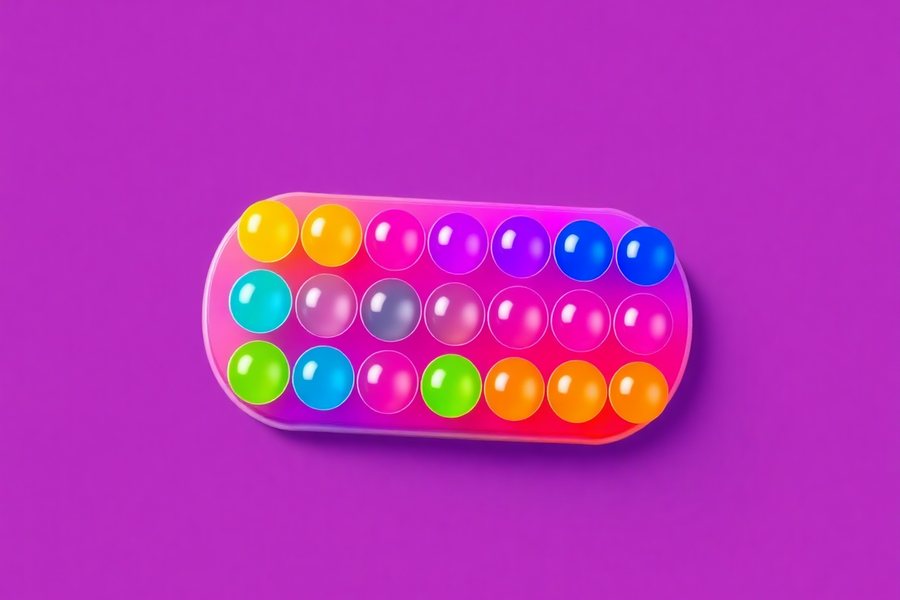
Most games on this site teach something: a shape, a word, a turn. These do not. A sensory game is colour, light, movement and sound that respond to what the child does, with no goal beyond the experience. That sounds slight and it is not. For a lot of children it is the reason they will come near a screen at all, and for some it is the most reliable way to bring a difficult afternoon back down.
Three groups use them most. Sensory seekers, often autistic children, who want more visual and sound input than the world offers and will find it somewhere. Children with profound and multiple learning disabilities, for whom a screen that responds to the smallest movement is a way of acting on the world. And any child who is wound up, where two minutes of slow ripples in calm mode does what "settle down" never does.
The three activities
| Activity | What happens | Input | Best for |
|---|---|---|---|
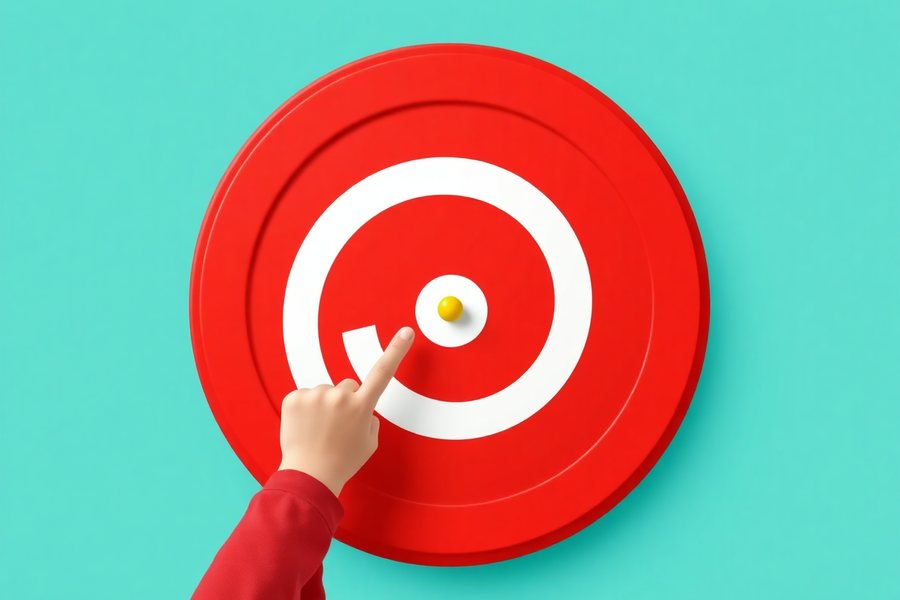
| Ripples | A ring spreads out from wherever you touched and fades, with a soft note. Touch several places and the rings cross. | Touch, click, any key (ripple in the middle) | The first go, and switch users. One press, one visible result. |
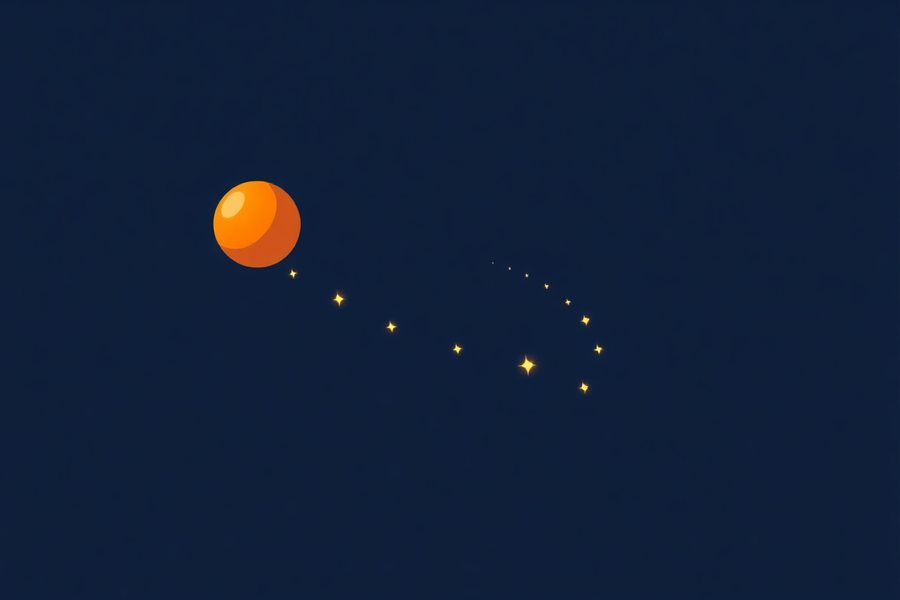
| Sparkles | A trail of glowing dots follows your finger or pointer and slowly fades behind it. | Finger or pointer, moving | Children who like to draw, stroke and swipe. Encourages reaching across the screen. |
| Colours | Each touch or press drifts the whole screen to a new colour over a few seconds, with a low chord. | Touch, click, any key | Winding down. Slow, whole-screen, and nothing small to track. |
Calm mode changes all three: ripples spread more slowly and last longer, sparkles drift rather than dart, colours change over a longer fade, and every sound drops to a quiet, low version of itself. It is the setting for a sensory corner or for the half hour before bed.
On flashing. Nothing here flashes. Colour changes are fades of several seconds, ripples grow rather than blink, and there are no stripes or rapid contrast changes, because those are the known triggers for photosensitive epilepsy. That is a design decision, not a medical guarantee: for a child with a diagnosis, follow their clinicians' advice and stay with them.
Using them to calm a child
- Calm mode on, sound low, Colours or Ripples. Sparkles is stimulating rather than calming for most children.
- Full screen, lights down. The effect depends on the screen being the brightest thing in the room, dimly.
- Sit slightly behind the child, not in front. Face to face is a demand. Side by side is company.
- Say almost nothing. A calm activity with a running commentary is not a calm activity. "Ripple" once, quietly, is enough.
- Let the child do the touching, and let them stop touching. A screen that keeps responding after the child has gone still is doing its job.
- Pair it with the check-in. If a child chooses quiet time on the feelings check-in, this is a good thing for quiet time to be.
Using them to build skills anyway
Even with no goal, a sensory game is quietly doing three things, and an adult can lean on any of them.
- Cause and effect. The child touches and the screen answers. For a child who has not yet worked out that they can make things happen, this is the lesson, and the cause and effect games take it further, in stages.
- Reaching and crossing the midline. Sparkles reward a hand moving across the whole screen, including across the body's centre line, which is a movement some children avoid and therapists spend a lot of time on.
- Visual tracking. Following a ripple as it spreads, or watching the colour drift, is the eyes practising staying with something that moves slowly. The visual perceptual skills page explains where that fits.
A sensory room on a tablet
Proper sensory rooms cost thousands and most families and many schools do not have one. A tablet in full screen, propped in a cardboard box lined with foil or white paper, in a room with the lights off, gets a surprising amount of the way there. The box reflects the colour, the screen fills the child's view, and there is nothing else to look at. Add a blanket and it is a den.
For a child who does not use their hands well, the tablet on a stand at chest height with any switch plugged into the keyboard input gives them the ripples and colours with one movement.
Accessibility notes
- Any input for Ripples and Colours: touch, mouse, any keyboard key, switch through a keyboard-emulating interface. Sparkles needs a moving finger or pointer.
- No flashing, no strobing, no high-contrast stripes. See the note above.
- Sound is separate and can be off entirely. The notes are pentatonic, so any combination of them sounds pleasant rather than clashing.
- Reduced motion. If the device asks for less motion, sparkles do not drift and ripples fade in place instead of spreading.
- No goal, no timer, no score, no wrong answer.
- Drawn on the graphics chip (WebGL), so the rings, sparkles and colour fades stay smooth on a tablet. A device without it gets a simpler version of the same three activities.
- Nothing is recorded. Only the settings are remembered, on your own device.
Common questions
What are sensory games?
Games with no goal beyond the experience: colour, light, movement and sound that respond to what the child does. They are used for sensory play, for children who seek visual and sound input, and as a way to settle a child who is wound up. There is nothing to win and nothing to get wrong.
Are these safe for a child with photosensitive epilepsy?
They were built to avoid the known triggers: nothing flashes, colour changes are slow fades, and there are no high-contrast stripes or rapid strobing. But no web page can promise safety for a specific child. If a child has photosensitive epilepsy, follow the advice of their own clinicians and stay with them.
Can it be used with a switch?
Yes. Any key on the keyboard makes a ripple or a colour change, so a switch interface that sends Space or Enter works. The sparkle trail needs a finger or a pointer to move.
What is calm mode?
Everything slows down: ripples spread more slowly and fade over a longer time, colours drift instead of changing, and the sounds drop to a quiet low hum. It is the setting for winding down, in a sensory corner or before sleep.
Does it need a download or an account?
No. It runs in the browser, keeps working offline once loaded, and there is no sign-up. Use your browser's Add to Home Screen to give it an icon on a tablet.