
Accessible learning games where every child gets to win
Free browser games with big buttons, spoken instructions and no way to lose. Made for young children, and built from the ground up for autistic and disabled children who most free games quietly lock out.
- No download
- No account
- No ads while playing
- Works offline once loaded
 New
New
Online Fidget Toys
Pop it, bubble wrap, a spinner with momentum and a fidget cube.
▶ PlayCategories







Printable worksheets
The same photographs on paper. Every sheet is a free PDF, and the shadow is the photo itself with the colour removed, so the outline matches exactly.

 Nursery3 pairs, extra large · free PDF

 Preschool4 pairs · free PDF

 Kindergarten6 pairs, similar shapes · free PDF
 Farm Animals6 pairs · free PDF
Pets4 pairs · free PDF
Farm Animals6 pairs · free PDF
Pets4 pairs · free PDF

 Wild Animals6 pairs · free PDF

 Water Animals5 pairs · free PDF

 Sea Animals6 pairs · free PDF

 Dinosaurs6 pairs · free PDF

 Minibeasts6 pairs · free PDF
 Fruit and Vegetable6 pairs · free PDF

 Vehicles6 pairs · free PDF

 Clothes6 pairs · free PDF

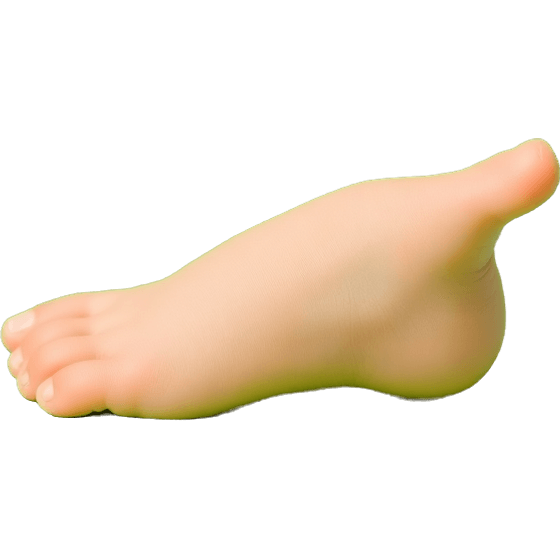 Body Parts6 pairs · free PDF
 Cut and PasteScissors and glue · free PDF
Cards16 cards, memory or snap · free PDF
Cut and PasteScissors and glue · free PDF
Cards16 cards, memory or snap · free PDF
For adults and seniors
The same idea, no way to lose and nothing to install, built for older hands and eyes: large print, high contrast, no timer.

Games for Dementia Patients
Same picture, gentle pairs, sorting, reminiscence prompts and a breathing circle. None of it can be failed.
Open the games →
Brain Games for Seniors
Pairs, sequence recall, anagrams, odd one out and arithmetic. Three levels, playable right on the page.
Play the brain games →Built so that every child can actually play
Most free games for young children assume a steady hand, quick reactions and confident reading. These do not.
One tap on a big target, an instruction said out loud, and a round that always ends with the child getting it right. The six decisions below are what make that true.

No dragging
Everything is a single tap on a large target. Drag and drop is one of the biggest barriers for children with motor difficulties, so it is never required.
No way to lose
No timers and no score that drops. A wrong choice is quietly set aside, so every round still ends with the child getting it right. It is a softened version of errorless learning.
Spoken instructions
Maggie reads the instruction, the praise and the gentle correction out loud, so a child who is not reading yet can play without an adult narrating.
Words on or off
Show the written word under each picture to support early reading, or hide it completely so the picture stands alone.
Set by level, not by age
Every game is adjusted by how much the task asks for: two, three or four choices, words shown or hidden. Nothing is gated by a birthday, and no screen tells a child what age it is meant for.
Keyboard and switch access
Everything is reachable by tab and enter with a thick, obvious focus ring, and motion is reduced automatically if the device asks for it. Setting up a switch.
Who that is actually for. No drag and drop matters to a child with a tremor, cerebral palsy or dyspraxia, and to anyone using a switch. No timers matter to a child with slower processing speed, with ADHD, or who simply needs to look twice. No failure screen matters to the very many children who stop trying after one mistake. Spoken instructions matter to a child who is not reading yet, and to a dyslexic reader. And levels instead of ages matter to every older child who has been handed something labelled for toddlers.
None of that makes the games worse for anyone else, which is rather the point. If you want the long version, with what was changed and why:
- Accessible games for disabled children: every design decision, and what these games are not.
- Free online games for autistic children: what tends to help, and how to set them up before you hand the device over.
- Switch accessible games: setup for iPad, Android, Chromebook, Windows and Mac, and a straight account of the limits.
- What is errorless learning?: why preventing a mistake sometimes beats correcting it, and where that goes wrong.
For grown-ups
These are practice activities, not a curriculum and not a therapy programme. They are the kind of short, repeatable task that a child can do a few times while you are nearby, and that works just as well on a tablet on the sofa as it does at a table.

Getting the most out of a session
For a child who is not yet choosing between two pictures, the cause and effect games come first: a press makes something happen, and that is the whole lesson.
If you are choosing between the games for a very young child, matching games for toddlers sets out which one to start with and why.
- Short is better than long. Two or three rounds with a child who is still enjoying it beats twenty rounds that end in frustration.
- Start easier than you think. Two choices, words hidden. Success first, difficulty later.
- Say the name out loud with them. The spoken feedback gives the label; you repeating it turns the game into vocabulary practice.
- Let them press the help button. It highlights the right answer and names it. Using it is not cheating, it is scaffolding.
Why there are no age labels on the games
You will not find "ages 3 to 5" on a game here, and that is deliberate. A label like that is useless at best: children of the same age are nowhere near the same place, and the thing that decides whether an activity works is how much it demands, not how old the person doing it is.
At worst it does harm. A ten-year-old who is working on matching and early words is exactly who these activities suit, and being handed something stamped "ages 2 to 4" tells them, and tells whoever is sitting with them, that they are doing baby work. That is a real complaint about special education materials and it costs nothing to avoid.
So the games are set by level instead: how many choices, whether the written words are showing, how similar the wrong answers are. Turn those up and the same activity carries a confident reader; turn them down and it carries someone at the very beginning. The printable worksheets do carry names like nursery, preschool and kindergarten, because that is what people type into a search box when they are looking for them, but those names describe the level of the sheet rather than a rule about who is allowed to use it.
What visual discrimination actually is
Visual discrimination is the ability to notice how two things differ in shape, size or orientation. It is the skill underneath telling b from d, spotting the difference between a square and a rectangle, and finding your own coat on a crowded peg rail. Shadow matching isolates it neatly: colour and texture are stripped away, so only the outline is left to go on.
Using these in a classroom or clinic
Nothing here needs an account, so a page can be opened on a shared device without anyone logging in or out. No data about the child is collected or sent anywhere: the only thing stored is your settings, kept in that browser. Game pages carry no advertising.
Who makes this
Maggie Games is made by one independent developer, and Maggie is a real black toy poodle who happens to be very good at sitting still. The games are built from a parent-and-teacher point of view, not a clinical one. If you work with children and something here would be more useful with a small change, that feedback is genuinely welcome.
Common questions
Are the games really free?
Yes. Every game is free to play, with no account, no download and no advertising on the game pages themselves.
Do I need to install an app?
No. They run in any modern browser on a phone, tablet, Chromebook or computer. On a tablet you can use your browser's Add to Home Screen option and the game will open full screen with its own icon, just like an app.
Can a child lose or run out of time?
No. There are no timers, no score that goes down and no failure screen. In Shadow Matching a wrong answer is simply set aside, so the round always ends with the child finding the right one.
Are these suitable for children with additional needs?
They are designed with that in mind: large single-tap targets, spoken instructions, optional written words, an adjustable number of choices, and full keyboard and switch access.
To be clear about what they are not: these are everyday practice activities, not a therapy programme, an assessment, or a treatment for any condition. If you have concerns about a child's development, the person to talk to is your paediatrician, speech and language therapist or occupational therapist.
What ages are they for?
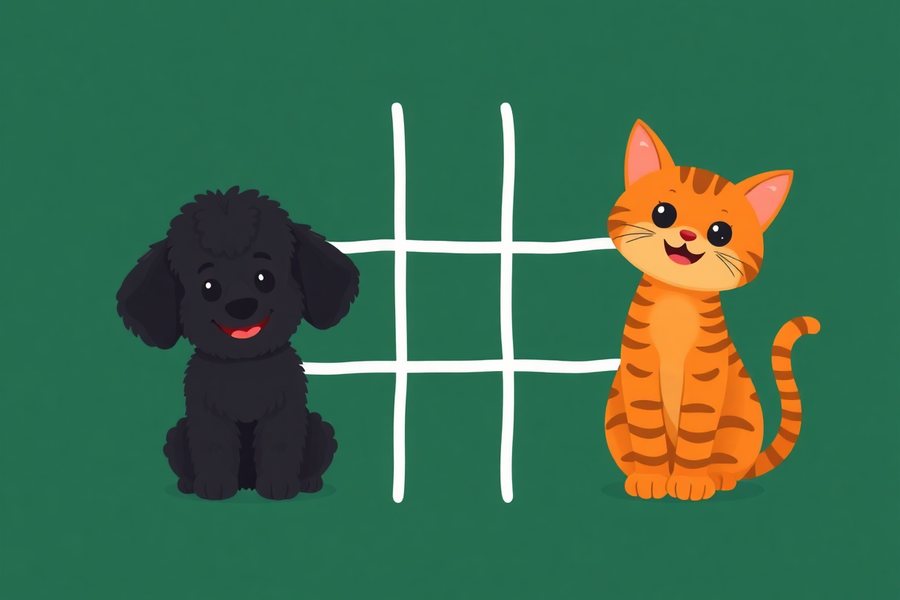
Set them by level rather than by age. Shadow Matching and Match Words to Pictures both adjust from two choices up to four, with the written words showing or hidden, which moves them from a first matching task all the way to reading practice. Tic-Tac-Toe needs only that a child can take a turn.
As rough guides that is about two to seven, four to eight and four and up. They are guides and not rules: plenty of older children are working on exactly these skills, and nothing on a screen here announces an age.