
Cause and Effect Games
First pressPress anything and something happens. A tap on the screen, a click, any key on the keyboard or a switch pops a balloon, brings in an animal or makes Maggie jump. Three stages, from "every press works" to "wait for it".
Tap anywhere, or press any key




What a cause and effect game is for
Before a child can choose, match, or answer anything on a screen, they have to learn one thing: I did that. A press makes a noise. A tap makes a picture appear. It sounds trivial and it is the foundation of everything else, from using a switch to talk, to controlling a wheelchair, to playing every other game on this site.
For most babies this happens on its own, with a rattle or a light-up toy, around the middle of the first year. For a child with a physical disability who cannot reach a rattle, or a child with a profound learning disability, or a child who has simply never had a reliable way to make the world respond, it has to be built deliberately. That is what cause and effect software is: a world that responds to the one movement the child can make, every single time.
The games above run on that principle. In stage one any input works: a touch anywhere on the screen, a mouse click, any key on the keyboard, or a switch plugged into a switch interface that sends a key. Nothing is timed, nothing is scored, and there is no wrong press.
The three stages
These follow the usual progression of switch skills. Move on when the current stage is boring, not before, and expect to go back a stage on a tired day.
Anything works
Every press, anywhere, causes the effect. The child is learning that their action has a result. Reliability is everything here: a press that does nothing teaches the opposite lesson.
Hit the target
A big orange button appears somewhere on the screen and only a press on it works. This is targeting: looking, then reaching for the thing you looked at. Needs touch or a pointer; a single switch cannot do this stage and that is fine.
Wait for it
The button is grey most of the time and glows for a few seconds. Only a press while it is glowing works. This is timing, the skill under scanning: watch, wait, press at the right moment. Works with a switch again.
There is a stage zero the software cannot do, which is experiencing: an adult holds the child's hand on the switch, presses it, and points at what happened. Do that before stage one for a child who is not yet pressing anything on their own, and say the same short thing every time: "you pressed, balloon!"
Three effects, and which to pick
| Effect | What happens | Good for |
|---|---|---|
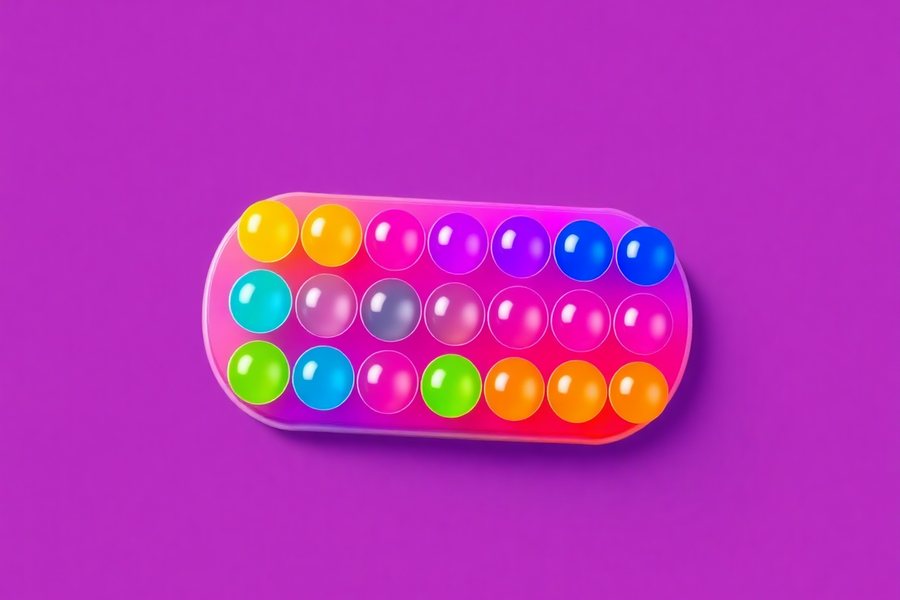
| Balloons | A coloured balloon grows where you pressed (or in the middle, for a key or switch) and pops with a sound. | The first sessions. Big, bright, instant, and the same every time, so the link between press and result is easy to see. |
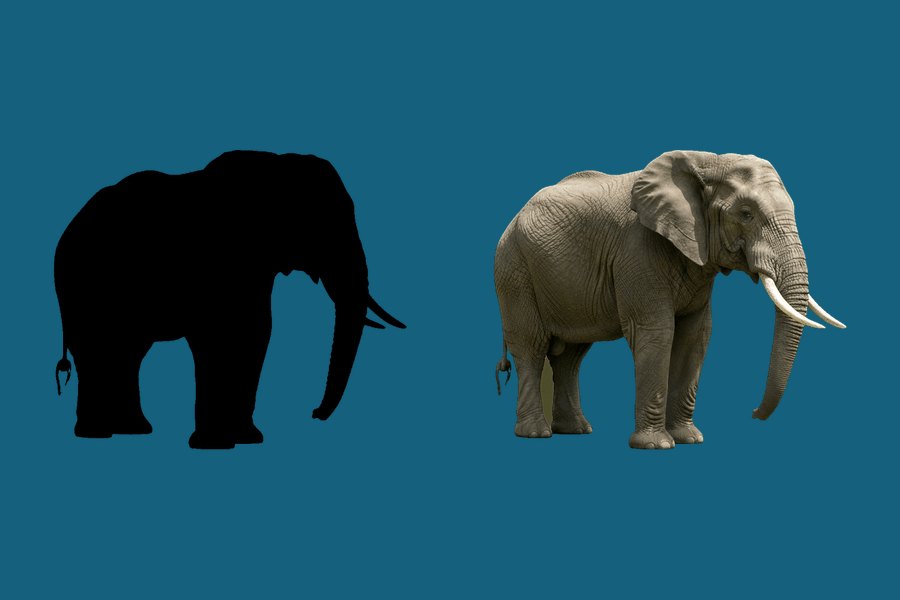
| Animals | A real animal photo bounces in, its name is said aloud, and it fades before the next press. | Children who are past the first "I did that" and can use the press to hear vocabulary. Twenty animals, so it stays fresh. |
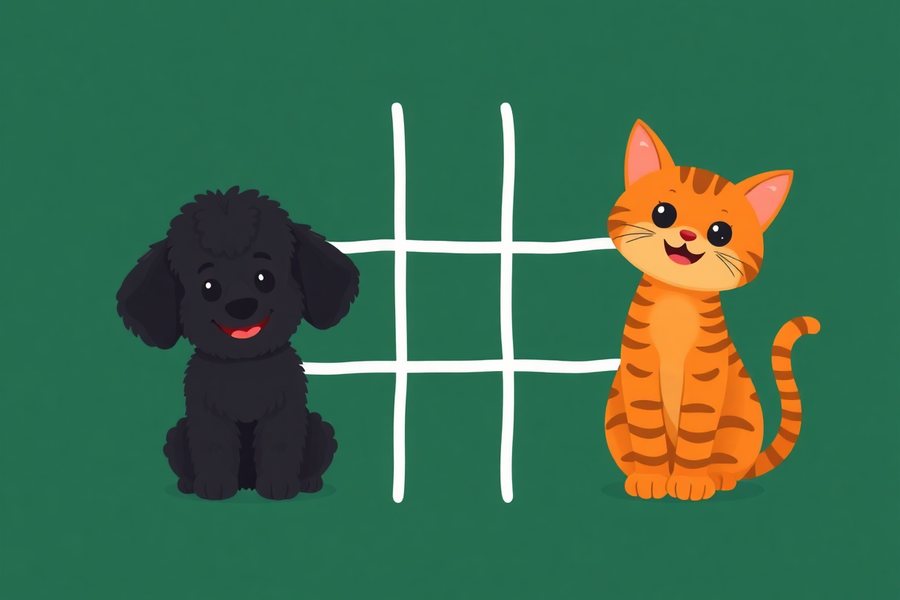
| Maggie | Maggie jumps, barks and confetti falls. | Children who respond to a character rather than a shape. Maggie is the same dog who runs the other games, which helps when the child moves on. |
Setting up a switch
The game listens for any key, so anything that behaves like a keyboard works. In practice that means:
- A switch interface (a small box the switch plugs into, USB or Bluetooth) set to send Space or Enter. Most are set to that out of the box.
- Any large button on a keyboard. The space bar is the easiest to hit. A cheap USB keyboard with the other keys covered by a sheet of card is a working switch for a lot of families.
- The touch screen itself. In stage one the whole screen is the switch. Prop the tablet where the child's hand naturally lands.
- iPad Switch Control. Turn it on in Accessibility, pair the switch, and set the action to Tap. Then use the Full screen button so the tap lands on the play area.
The switch accessible games page has more on interfaces and on which of the other games work with one switch and which need two.
Using it well
- Short sessions, many of them. Two minutes, several times a day, beats twenty minutes once. The lesson is small and repetition is the point.
- Narrate the press, not the picture. "You pressed!" matters more than "look, an elephant." The child is learning about their own action.
- Wait. After the effect ends, do nothing. The silence is what prompts the next press. An adult who presses for the child, or says "press it again" every time, becomes the cause.
- Watch the eyes. The sign that stage one has been learned is not the number of presses. It is the child looking at the screen before pressing, in expectation. Then move to stage two or three.
- Full screen on a tablet. Otherwise a wandering hand hits the browser bar and the game disappears, which for this child is a catastrophe of the "did I break it?" kind.
Accessibility notes
- Any input. Touch, mouse, any keyboard key, switch via a keyboard-emulating interface. Stage two needs a pointer or touch; stages one and three do not.
- No dragging, no timing in stage one, no wrong answers anywhere.
- Sound and voice are separate toggles. Some children need the pop and not the words; some the reverse.
- Reduced motion. If the device asks for less motion, the balloons appear without growing, the animals without bouncing, and there is no confetti.
- Bigger mode makes the stage two and three target larger.
- Nothing is recorded. The press counter resets when you leave. Only the settings are remembered on your device.
Common questions
What is a cause and effect game?
A game in which one simple action by the child, a tap, a press or a switch hit, makes something happen straight away: a balloon pops, an animal appears, a sound plays. The child is learning that they made it happen. It is the first stage of using any switch, computer or tablet.
Does it work with a switch?
Yes. Any switch or switch interface that sends a keyboard key (Space and Enter are the usual ones) works in stage one and stage three, because any key triggers the effect. Touch and mouse clicks work as well. Stage two, hit the target, needs a pointer or touch.
What age is it for?
There is no age. It suits babies who are starting to bat at a screen, toddlers, and children and adults with profound and multiple learning disabilities who are working on the same skill. The stages are set by what the person can do, not by how old they are.
Why does every press work in stage one?
Because in the beginning the only thing being taught is that pressing does something. If some presses did nothing, the child could not tell whether they had caused the effect. Reliability first; precision comes in the later stages.
What comes after cause and effect?
Choosing. Once a child presses in expectation and can time a press, the next step is a game where the press picks one of two things, which is what Shadow Matching at two choices is. The matching games for toddlers page puts those in order.